Order from your country
VR trackers in the US: choose your Quest or PCVR setup
Plan a Ghosty Trackers order in the US: choose Quest or PCVR, check the receiver connection, and separate USD estimates from the MXN charge.
3 min read
Start with where VRChat runs
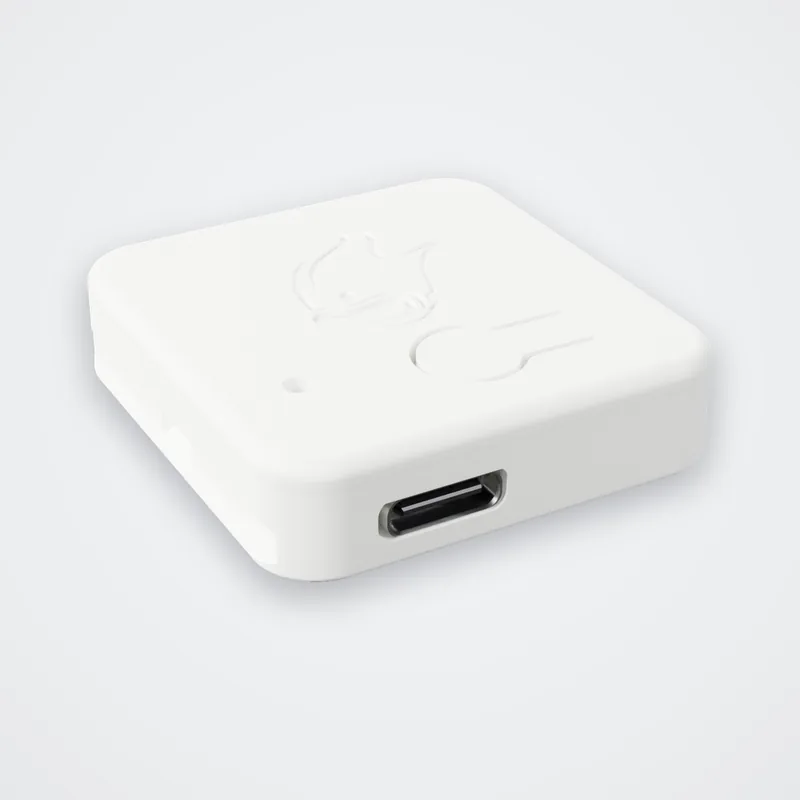
“I have a Quest” leaves an important question unanswered: do you run VRChat on a computer, or inside the headset? Decide that before choosing your tracker kit. Ghosty Trackers use a dedicated USB receiver and work with SlimeVR; our compatibility page explains the connections. We manufacture and ship them from Mexico to the United States.
Write down the setup you use today:
| Where VRChat runs | Where the Ghosty receiver connects |
|---|---|
| Gaming PC with SteamVR | The PC running SlimeVR Server. |
| Quest standalone | An Android phone or laptop running SlimeVR Server. |
Keep a planned PC upgrade separate from the equipment you already own.
If you play through a PC
Connect the Ghosty receiver to the PC running SlimeVR Server. For SteamVR, SlimeVR's setup guide includes checking its add-on under Manage Add-Ons and enabling it. Complete that connection before moving on to avatar calibration. SlimeVR: initial setup.
Keep the first session simple: confirm the trackers appear, assign their body locations and then calibrate in VRChat. VRChat documents its Calibrate FBT control and recommends keeping tracker assignments consistent. Labeling your trackers can help you put each one back in the same place. VRChat: full-body tracking.
If you play on Quest standalone
For Ghosty's setup, an Android phone or laptop runs SlimeVR Server, with the receiver plugged into that device. Check your device and USB connection against our Quest setup guide, in Spanish.
SlimeVR sends the tracking information to VRChat on the Quest over OSC. Its guide covers setting the headset's IP address and enabling OSC in VRChat. SlimeVR: standalone tracking.
Plan a place for the phone or laptop during play. If using Android, check the current mobile requirements, including permission for the app to keep running in the background. SlimeVR recommends a phone or computer over running the server on the Quest itself.
Match the kit to the movement you want
Make a short list of what you want to do in VRChat: spend time seated, show foot movement, or track more of your arms. Use that list while reading our tracker-count guide, in Spanish. Ask about the exact placement and contents of your chosen kit before ordering. A larger number on a product card does not answer those questions by itself.
Review the international order as carefully as the setup
The US kit page displays a USD reference alongside the MXN charge. Review the current kit and shipping amounts in MXN, and ask your payment provider about conversion costs.
Before paying, save the item description, delivery terms and return policy. The FTC recommends checking the total price, expected delivery and who pays return shipping. FTC: shopping online. Ask for any applicable import charges to be explained separately; this guide does not estimate them.
Keep the order number and tracking details together. For a shipment question, start with the seller and carrier: CBP explains that it cannot track purchases for consumers. CBP: overseas orders not received.
With the connection path and order details recorded, you can compare the kits available for the US against the setup you actually plan to use.
Ghosty Trackers are SlimeVR-compatible products. Ghosty Labs is not affiliated with SlimeVR B.V.